Video Editing Program Automation
I worked on tasks compatible with a browser-based automation engine (JSON/DB), professional tools (Adobe, DaVinci, Premiere), and cloud-native collaboration tools (Clipchamp, Canva).
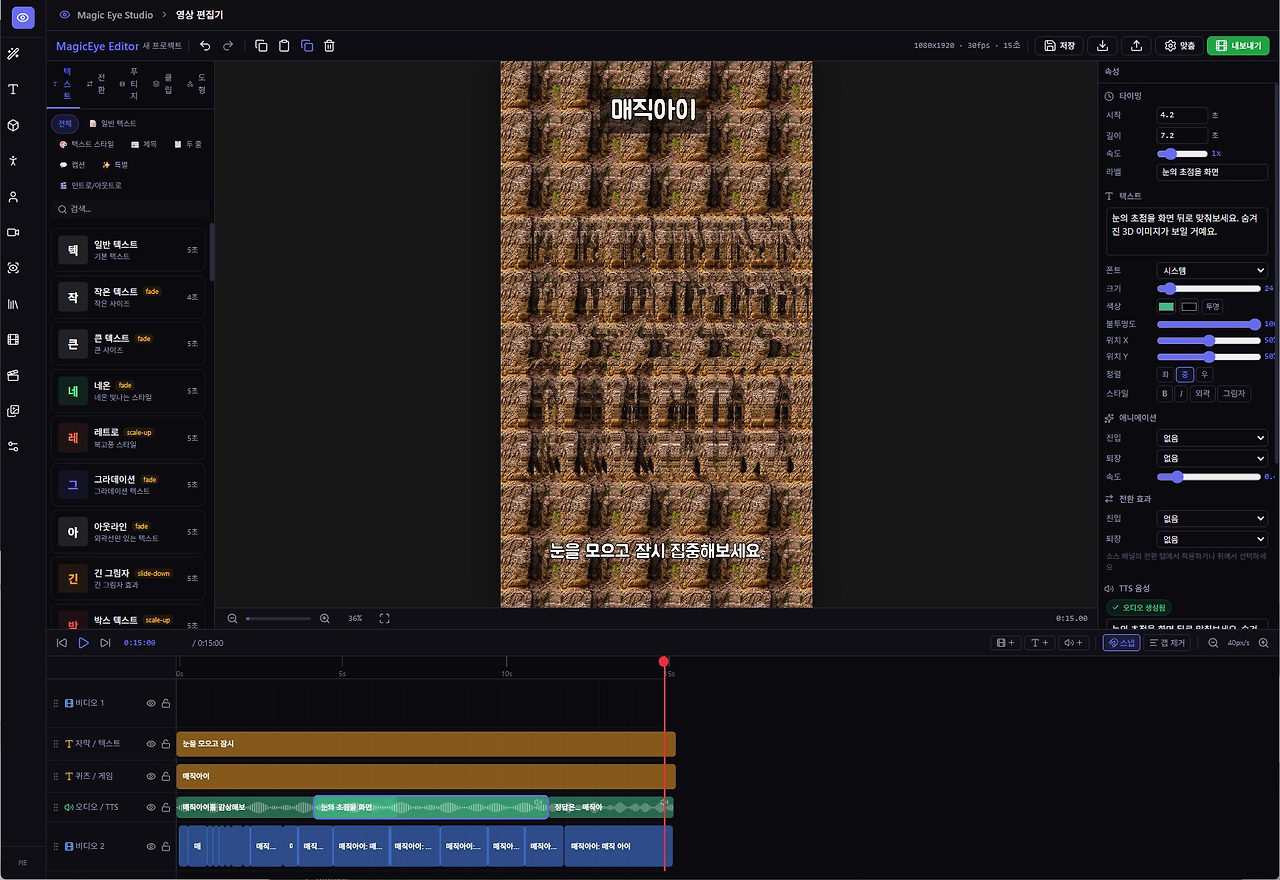
For now, I dug out a program I made a long time ago — something I had built with a Flash editor — and reworked it with a modern feel to create a few projects.
I'd like to introduce a project centered around an OneDrive-based workflow, spanning from an automated production line all the way to professional-grade final output.
Bulk Content Production & Multi-Compatible Pipeline Overview
The core of this system is the idea that "the data is one, but the container (program) is free."
1. Data-Driven Automation Stage (Server-Side)
Source: DB (product information, news, educational content, etc.)
Engine: In-house server (Template Engine)
Output: Universal metadata (JSON) generation
Feature: Instantly generates hundreds of project structures without any rendering load.
2. OneDrive-Based Storage & Sync
All resources and project files are delivered to each tool via OneDrive.
Media Assets: Images and video sources generated by the server are automatically uploaded.
Project Files: .clipchamp, .xml (Premiere), .edl, .aep (AE script-based), etc., are automatically sorted into folders.
3. Per-Platform Output and Editing Scenarios
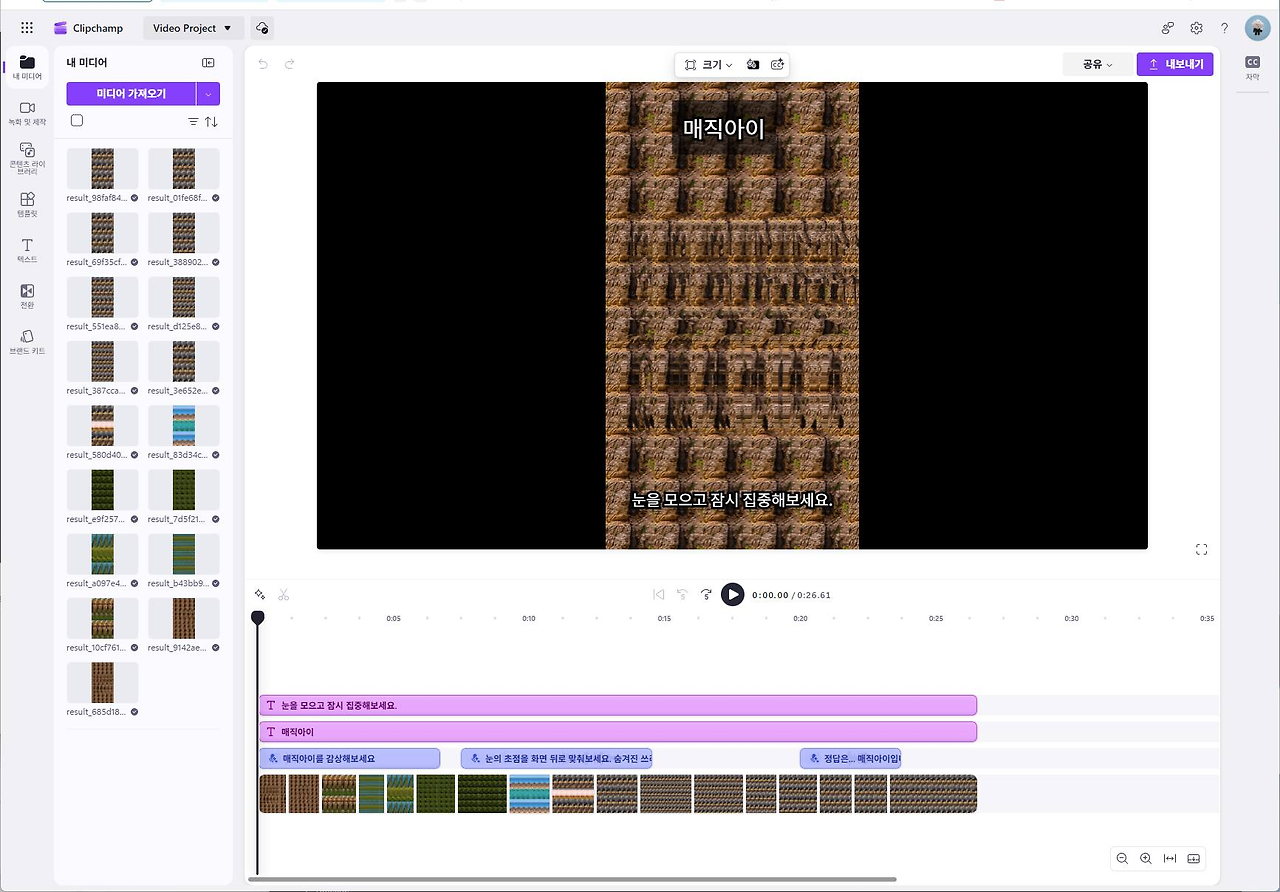
Clipchamp
General-purpose / Cloud Editing
Through a cloned structure, anyone with an MS account can instantly perform precise editing and AI subtitle generation directly in the browser.
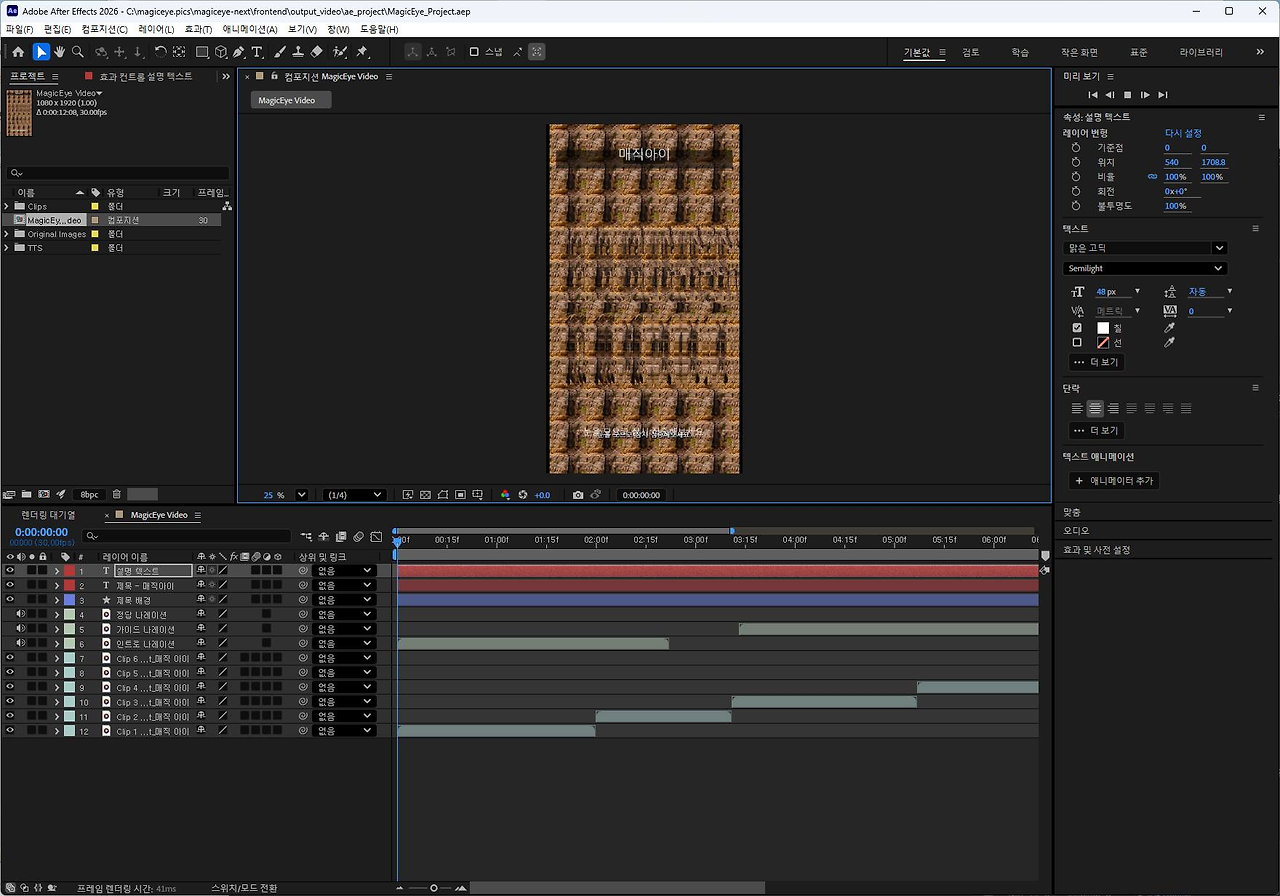
After Effects
Advanced Motion Graphics
.aep
or script integration is used to apply complex VFX or typography animations.
Premiere / DaVinci
Professional Cut Editing / Color Grading
Restores timelines as-is via XML/EDL for professional-grade color grading and mixing.
Canva / Express
Page-Based Design
Converts resources into "page" units rather than timeline-based formats, optimized for SNS card news and short-form content.
4. Unified Timeline Workflow
Automation: Repetitive cut placement, text insertion, and basic transitions are 100% handled by the server.
Human-in-the-loop: In Clipchamp or Premiere, a person only fine-tunes the "emotional" details (music timing, narration tone).
Infrastructure Efficiency: Heavy encoding tasks are distributed to MS (Clipchamp) or the user's local resources (Premiere), achieving zero server costs.
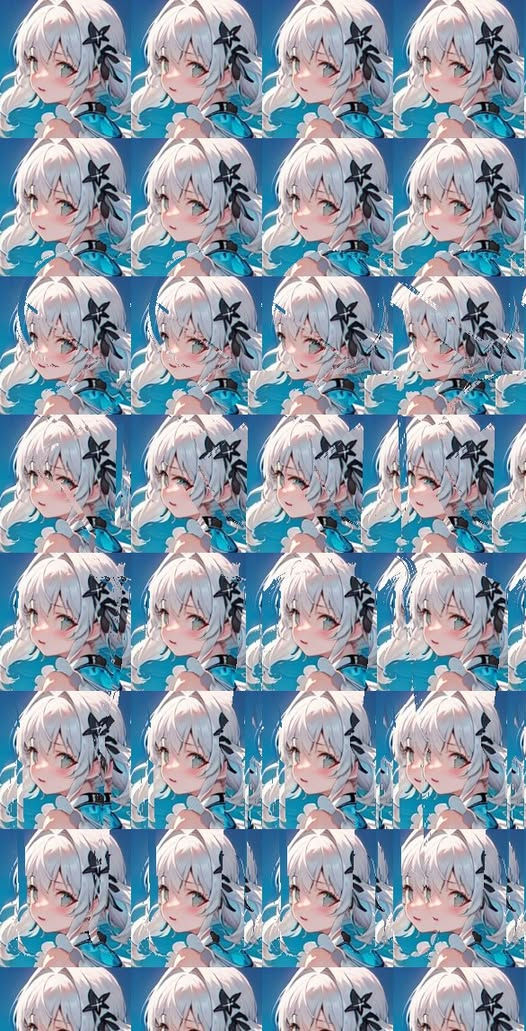
The character's face — what about the body? Look at it like a magic eye puzzle.
Template-as-a-Service: A B2B model where users simply connect their own DB and videos are generated directly into their Clipchamp projects.
OneDrive Sync Watcher: An automatic trigger system where the server detects when resources are placed in a specific folder and immediately generates project files in 5 different formats.
Cross-Platform Asset Library: An enhanced compatibility layer that reverse-analyzes Canva resources and substitutes them with templates from our own system.
The most powerful aspect seems to be cloning Clipchamp 100% and operating with the same format. This means videos are generated automatically within the MS ecosystem via OneDrive, and the formats of web-based programs such as Google Video via Google Drive, Canva, and Adobe Express are interpreted and utilized.
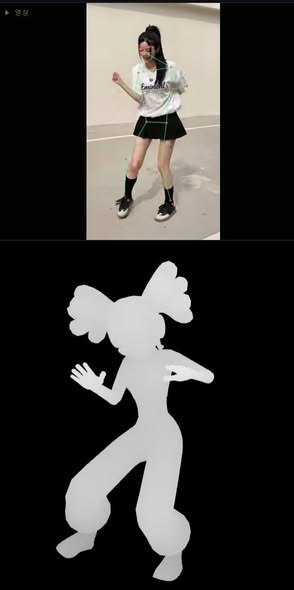
I am currently adding a feature to After Effects that allows direct control over plugin handling. Since video editing, text animation, and subtitle fonts are what I mainly work on, I plan to further develop functionality in that area.
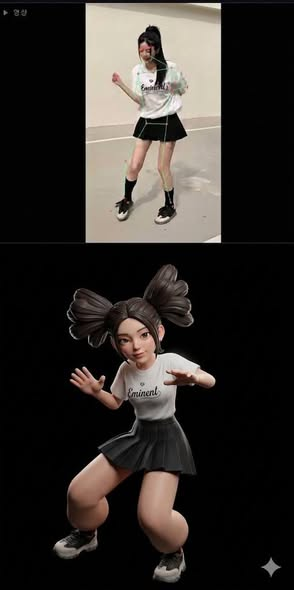
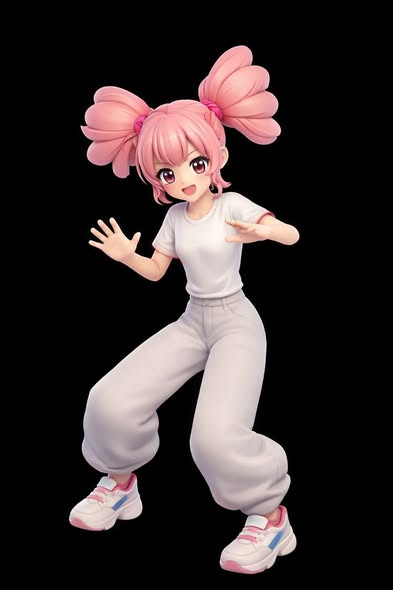
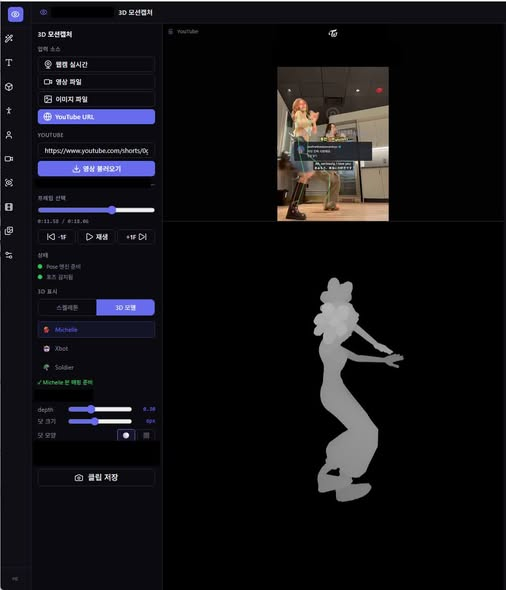
Everything is being worked on so that character animations are output as video, with motion control applied and both fingers and face fully reflected in the output.

The character looks like this for now, but I'm currently designing new smaller characters so that friends can be animated too. I'm performing in front of a webcam, preparing step by step toward the ultimate goal of animation production. These days, if you want to make a book, you have to do at least this much ㅠㅠ https://youtube.com/shorts/h2NQhAGdni8
An eye-improving magic eye image made through automation... 400 views ㅠㅠ

