After upgrading to Tahoe, I couldn't get TimeMachine to back up properly to my Synology NAS. I couldn't find a solution.
To put it simply...
It seems to be a bug with non-English strings.
Here's how to fix it: If you try backing up TimeMachine to your NAS as usual, only a small image will be created and the backup won't proceed, resulting in an error.
- Launch Disk Utility -> File -> "Open Disk Image": There is a small size image file on your NAS where the backup failed.
- Mount the TimeMachine image from Finder. (If you have a TimeMachine-specific account, enter your ID and password.)
- Then, the disk image will likely have a name with English + Korean characters. Change the name to leave only English characters. (Delete the Korean characters.)
-
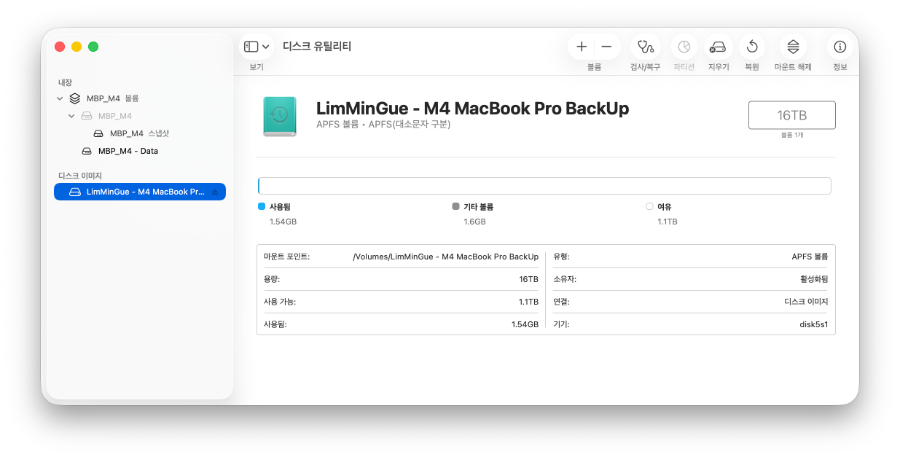
If you try backing up from TimeMachine again, it should work normally.
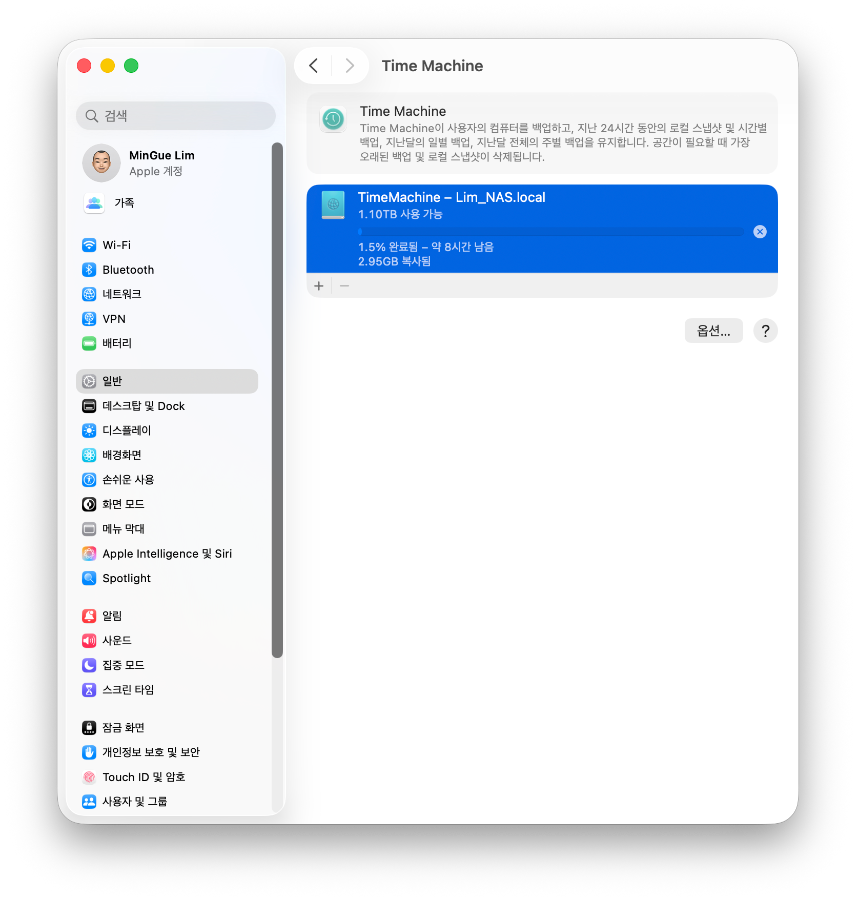
Anyway... This is a problem that Apple needs to fix, but for now, this solution works.

