What's New in Version 2.0
DKST Markdown Browser has become even more powerful! Check out the major features added in this version.
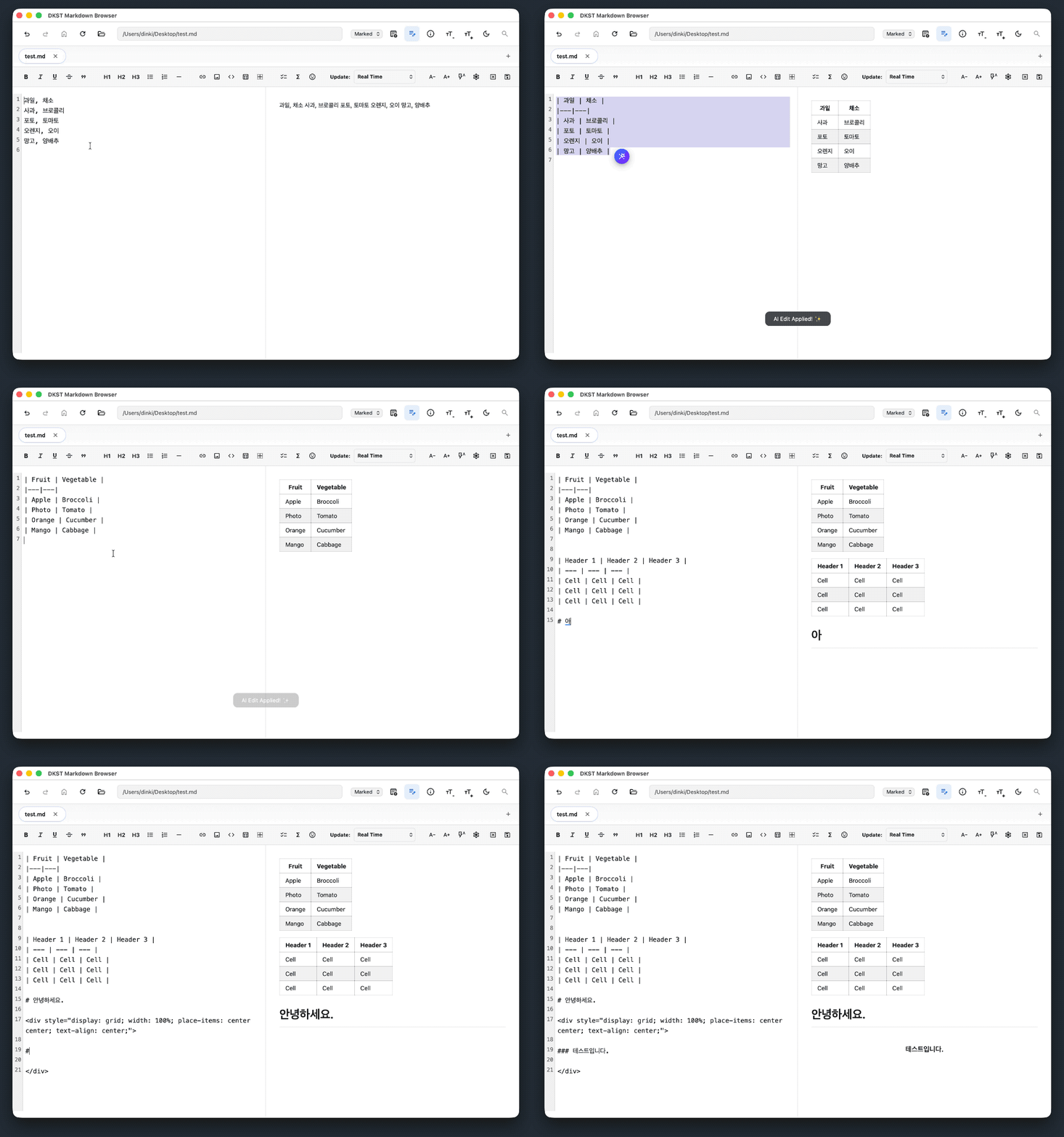
Now you can create and edit markdown documents.
🚀 Key Changes
1. Create and Edit Markdown Documents
You can conveniently use various markdown features without taking your hands off the keyboard while editing.
When you enter /, markdown code features appear, and you can select them with arrow keys or directly type the feature name in Korean pronunciation to execute it.
You can easily connect to local assets like hyperlinks and images! We complete it using relative paths based on your current markdown file.
2. AI Helps You!
Select a text block where you need assistance. An AI call button appears. (Press / to input directly!) Type what you want. You can correct lengthy paragraphs, translate them to other languages, or convert them to appropriate markdown.
💡 Note: To use the new AI features, you need LM Studio (recommended) or an OpenAI-compatible LLM API endpoint.
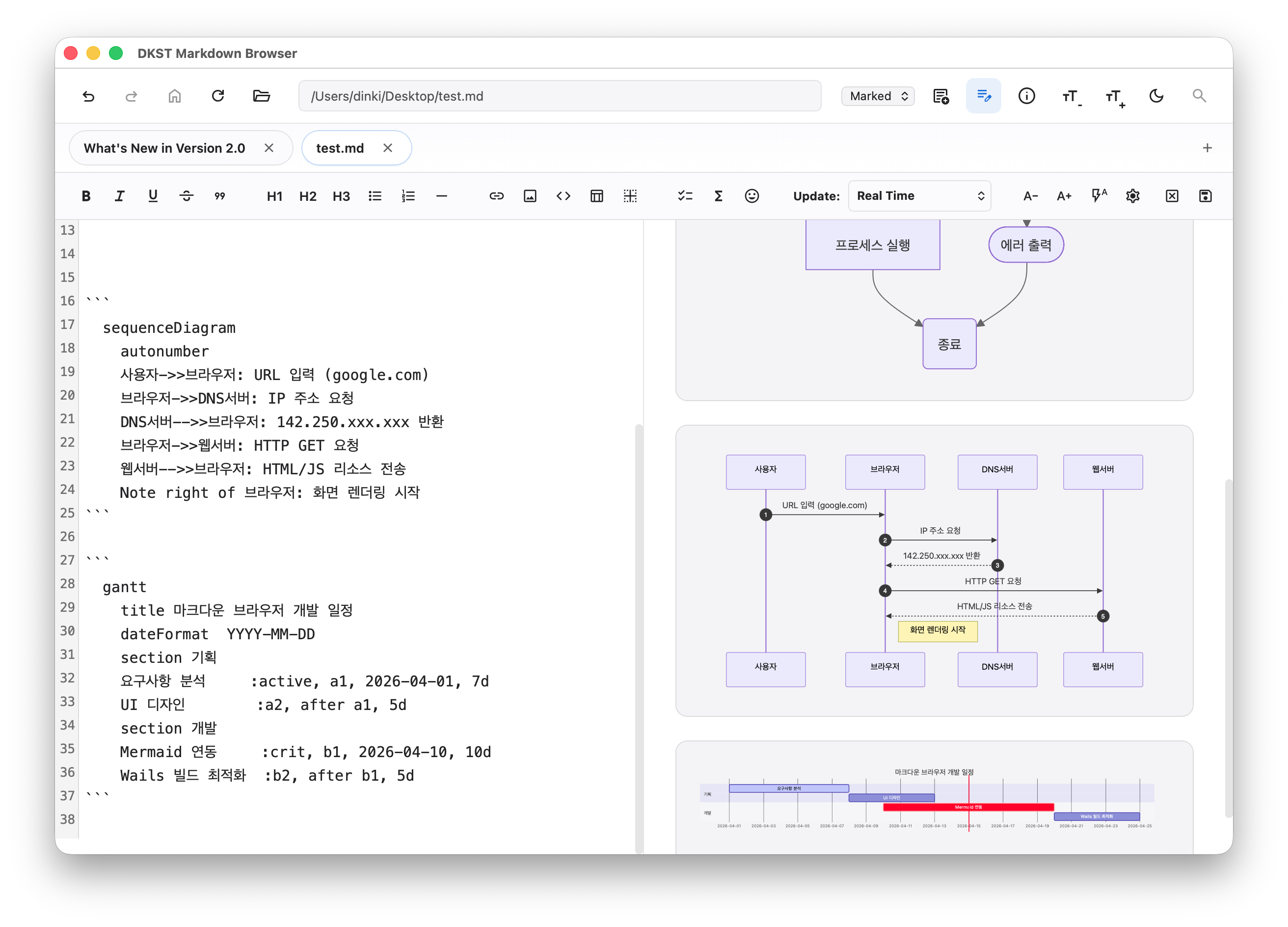
3. Mermaid Rendering Support
https://github.com/DINKIssTyle/DINKIssTyle-Markdown-Browser
Wow~ I've finally released it.
I thought it would be nice to end with a little left so I can sleep comfortably.
In the markdown document viewer with hyperlinks, we've now packed editor functionality as well into an all-in-one solution.
Personally, it's the best markdown editor I've ever used. Wait???
Now that AI is attached, equations and diagrams depend on the capabilities of the model you're using...
But even excluding AI features, being able to use GUI buttons (i.e., macros) without using the mouse much during document editing is another appeal, if you will.
We tested it running on Windows, Mac, and Linux.
Since we developed it on Mac... I think if it works well on Mac, there shouldn't be major issues on Windows or Linux.
Oh right... The Fill in the Middle feature is still not working properly.
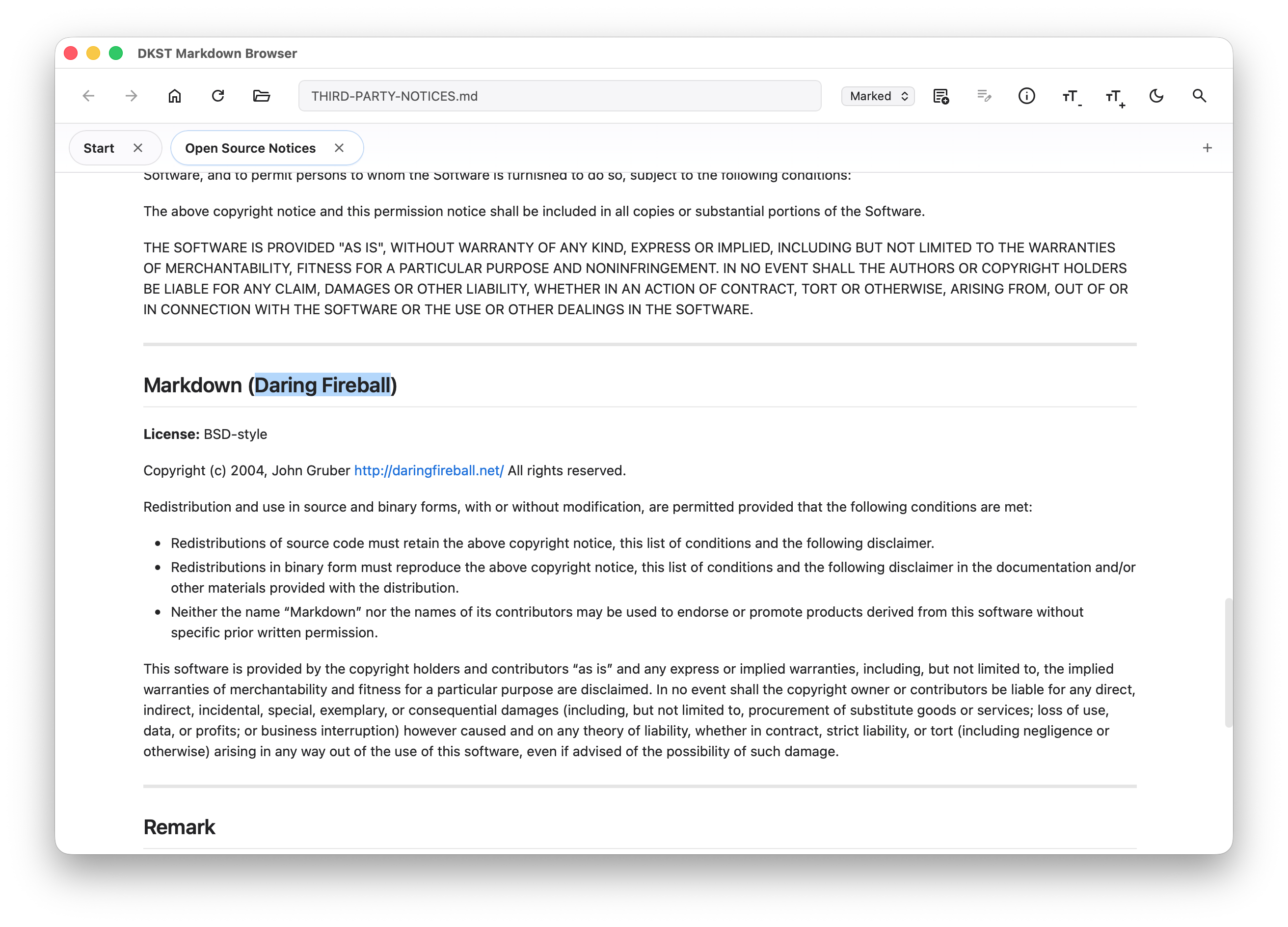
By the way... The person who developed markdown... their domain name is a scene stealer.
Darling Daring Fireball, wow ㄷㄷㄷ
The content above is what was updated when released.
Below is the original text of this article~
Originally, I planned to only allow editing of existing files... I was sure I did...
Now I create new documents and AI is attached to help with markdown writing.
What AI does is common these days (??)
Document improvement, correction, creating markdown from document content and converting it... that kind of thing...
Access all features and edit with just one / forward slash key event for AI prompts
Table rows and columns are entered one at a time with Enter, DIV alignment with Enter and arrow keys...
The focus is on not having to take your hands off the keyboard.
I added a Korean dictionary to the / forward slash key search filtering so that you can match ㅎ H He Hea Heading like that...
But there are still some annoying parts due to Korean input keys on Mac and Ubuntu with combined commits.
Another thing is that when you insert other .md files or images, they're inserted as relative paths so you can see and use them right away.
Since there are still features I'm planning and improvements to be made, I haven't released binaries.
https://github.com/DINKIssTyle/DINKIssTyle-Markdown-Browser
For go wails users, you can easily run it with wails dev!

