Below is readme.md.
DINKIssTyle 3D Wins is an extension that applies focus history-based 3D layer effects to GNOME Shell windows.
By arranging background windows in a three-dimensional layout centered on the active window, it adds visual depth and immersive workflow experience.
✨ Key Features
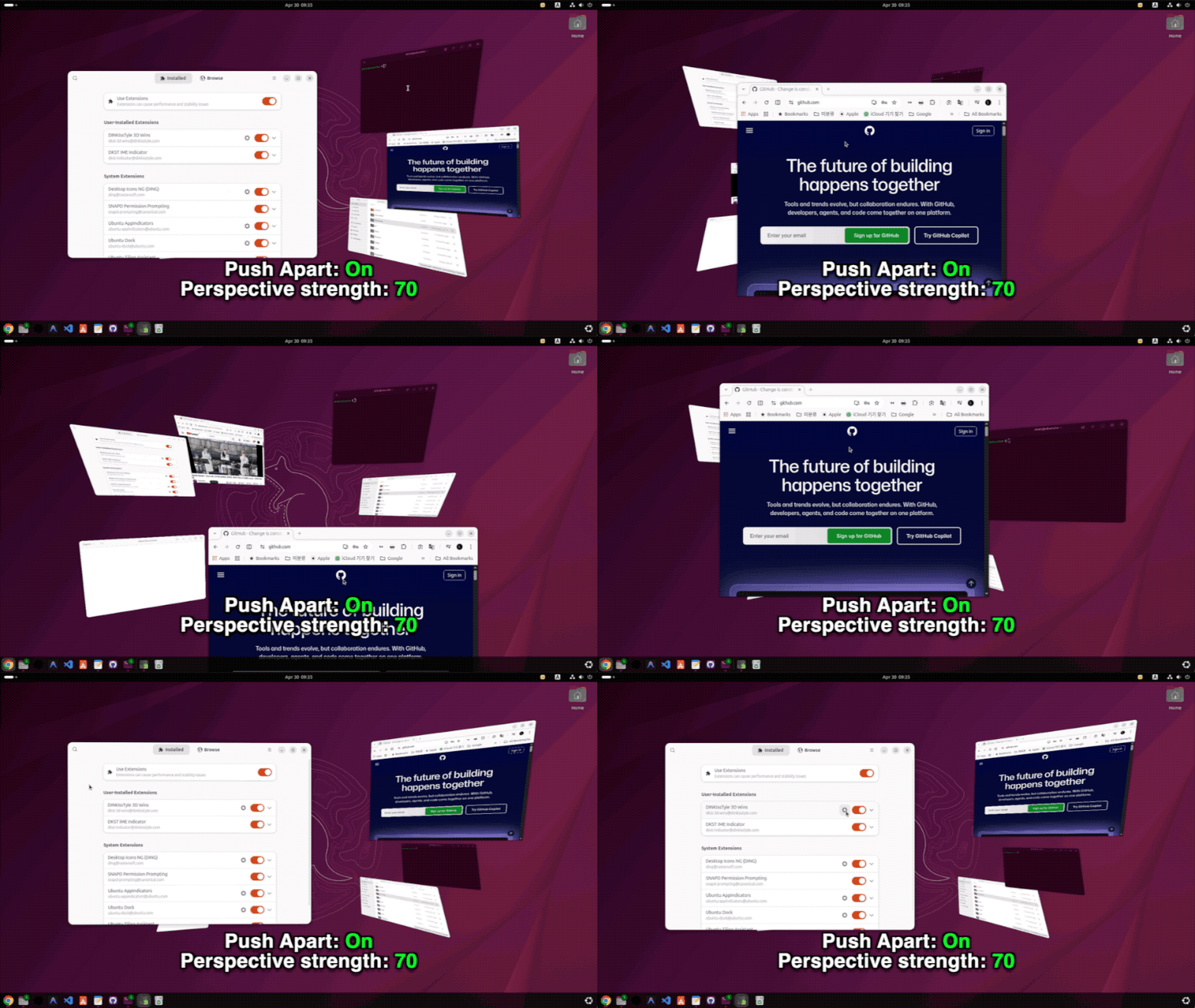
🎯 Focus-based Layering: The currently focused window is positioned in the foreground, while previously used windows are progressively moved to deeper visual layers.
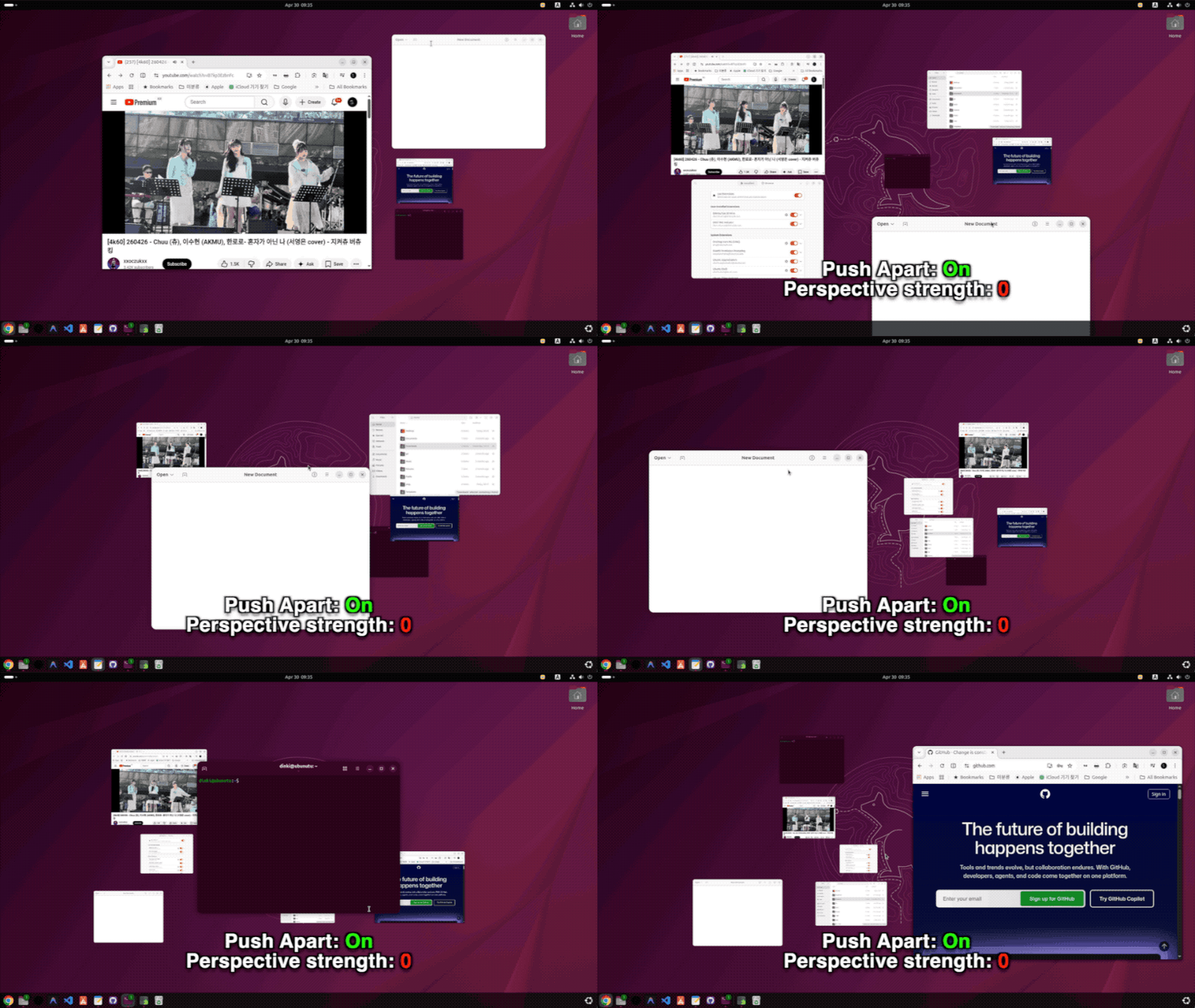
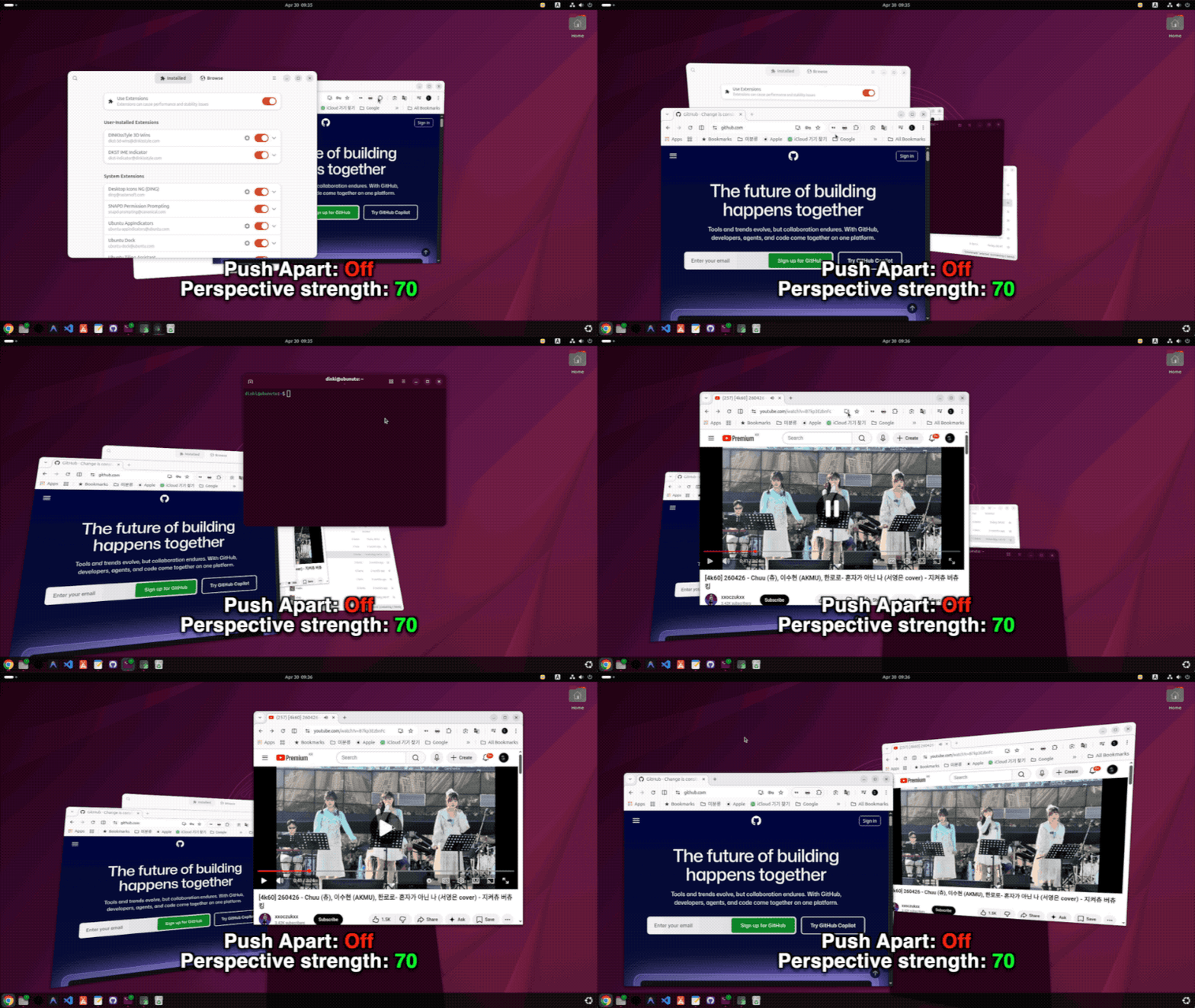
🧲 Magnetic Push: Background windows are intelligently pushed away so they don't overlap with the active window, maintaining readability.
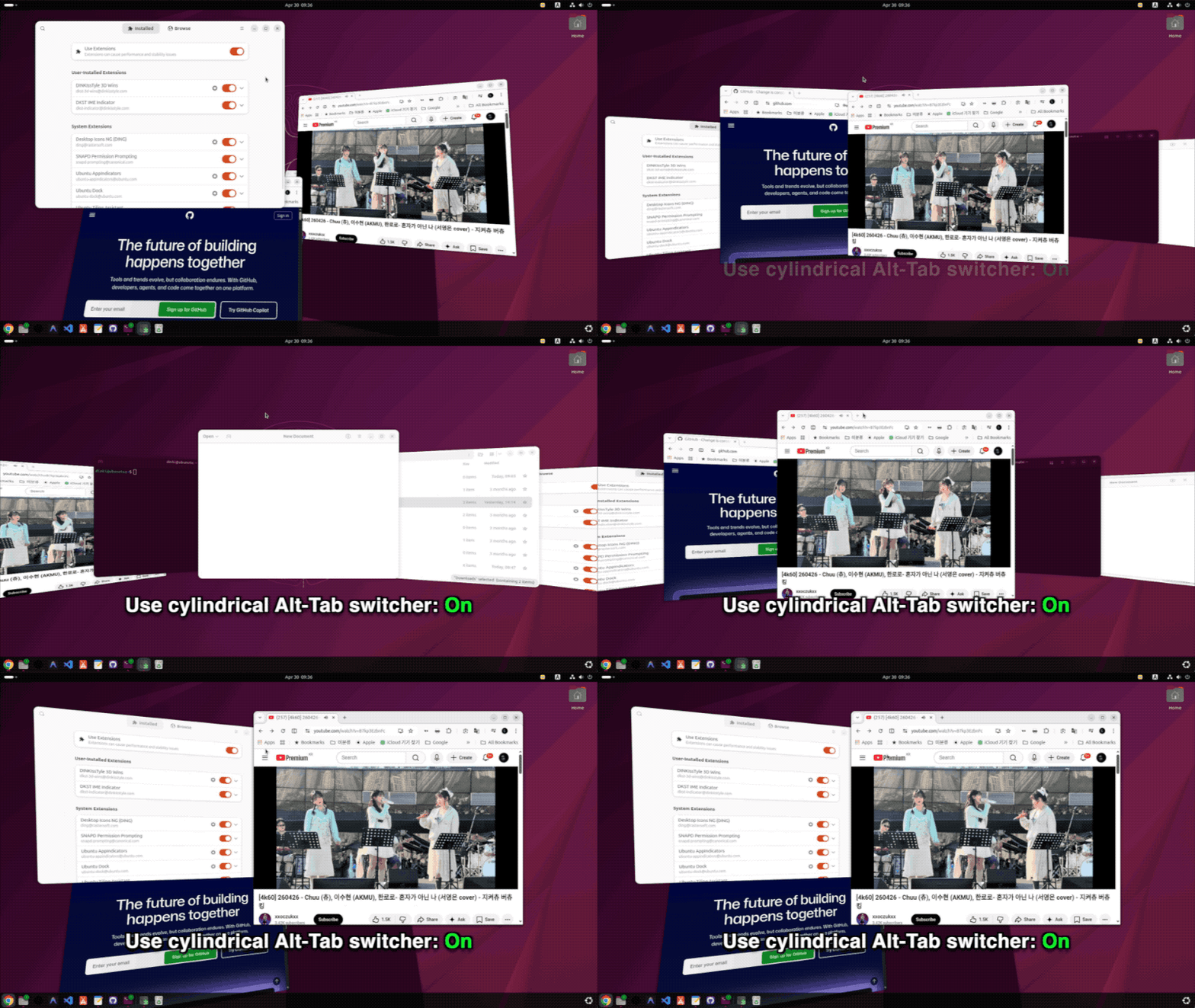
🔄 Cylindrical Alt-Tab Switcher: Provides a 3D cylindrical-style window switcher instead of the traditional flat popup.
🎨 Customization: Layer count, distance, rotation angle, transparency, and more can be finely adjusted to suit user preferences.
⚙️ Configuration Options
Maximum layers: The maximum number of visual levels to display (default: 5)
Distance between layers: The three-dimensional spacing between windows (default: 70)
Magnetic Push: Whether to push away windows around the active window (default: On)
Magnetic Push Strength: Controls how far overlapping background windows are pushed away from the active window (default: 80)
Real-time Background Window Adjustment During Focus Window Movement: Background windows respond in real-time when dragging the active window (default: Off)
Cylindrical Alt-Tab Switcher: Whether to use a 3D cylinder-style window switcher (default: On)
Transparency: Adjusts the transparency of windows positioned in deeper layers (default: 0)
X/Y Axis Rotation: Controls the vertical/horizontal tilt angle of background windows
🚀 Installation Instructions
1. Clone the Repository (Git Clone)
git clone https://github.com/DINKIssTyle/DINKIssTyle-3D-Wins-Ubuntu.git
cd DINKIssTyle-3D-Wins-Ubuntu
2. Local Installation
Using the Interactive Installation Script:
./install.sh
Manual Installation:
make install
3. Enable the Extension
After installation, restart GNOME Shell or log out and log back in, then enable it with the command below.
gnome-extensions enable dkst-3d-wins@dinkisstyle.com
🛠️ Open Settings
You can change detailed settings with the command below.
gnome-extensions prefs dkst-3d-wins@dinkisstyle.com

