https://skillmaru.hell0world.net/manual
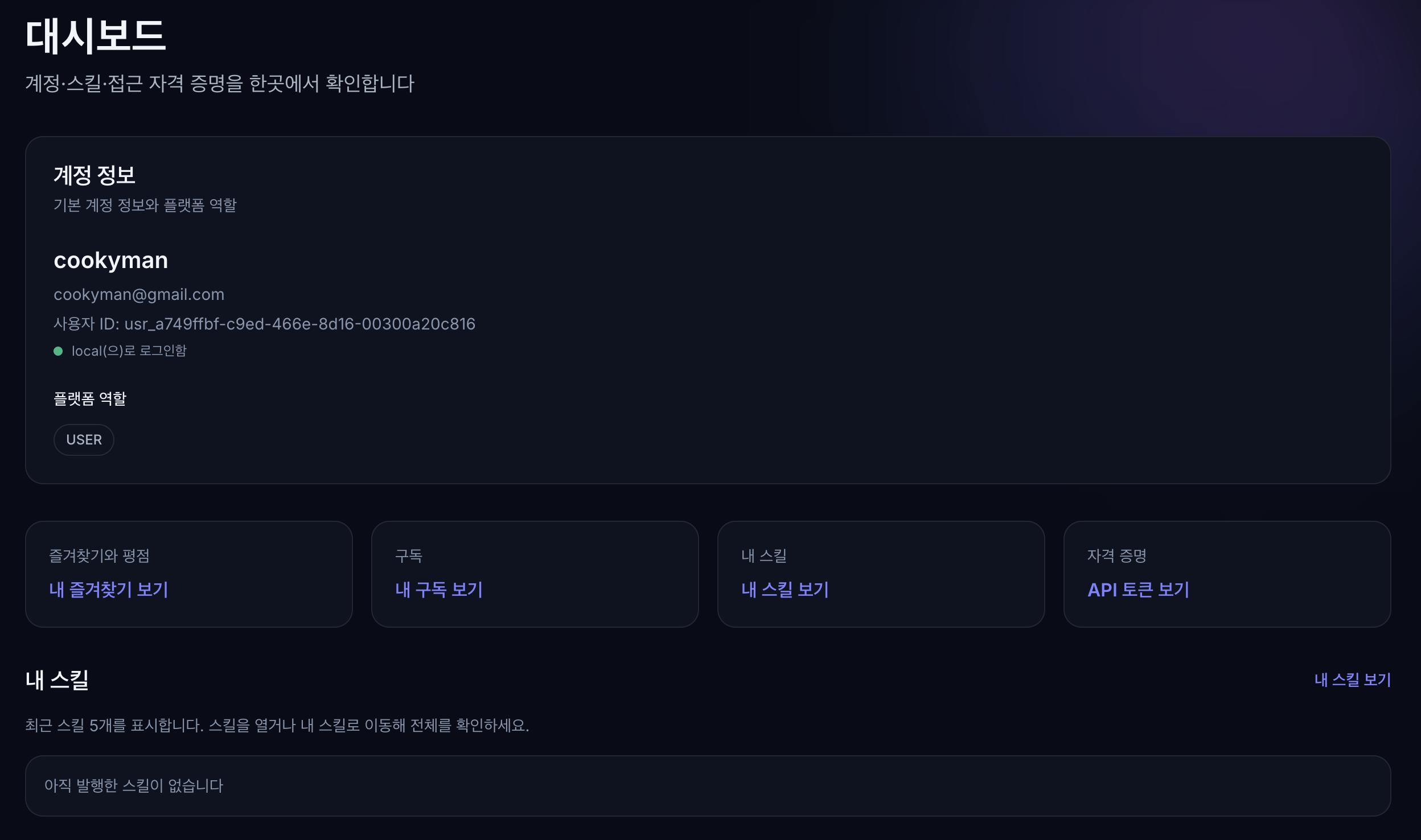
SkillMaru is a skill registry where you find, install, and publish skills for AI agents. This manual helps you learn the core features at once by following the screens, and explains what more opens up with a free sign-up.
01. Browsing skills from the home screen
The home screen is SkillMaru's starting point. Type a skill name or “what it does” into the command-line style search box at the top and you can find it right away, and below that popular skills and the latest releases are organized as cards.
Each card shows the skill name, category, version, download count, and creator together, so you can gauge its trustworthiness at a glance.
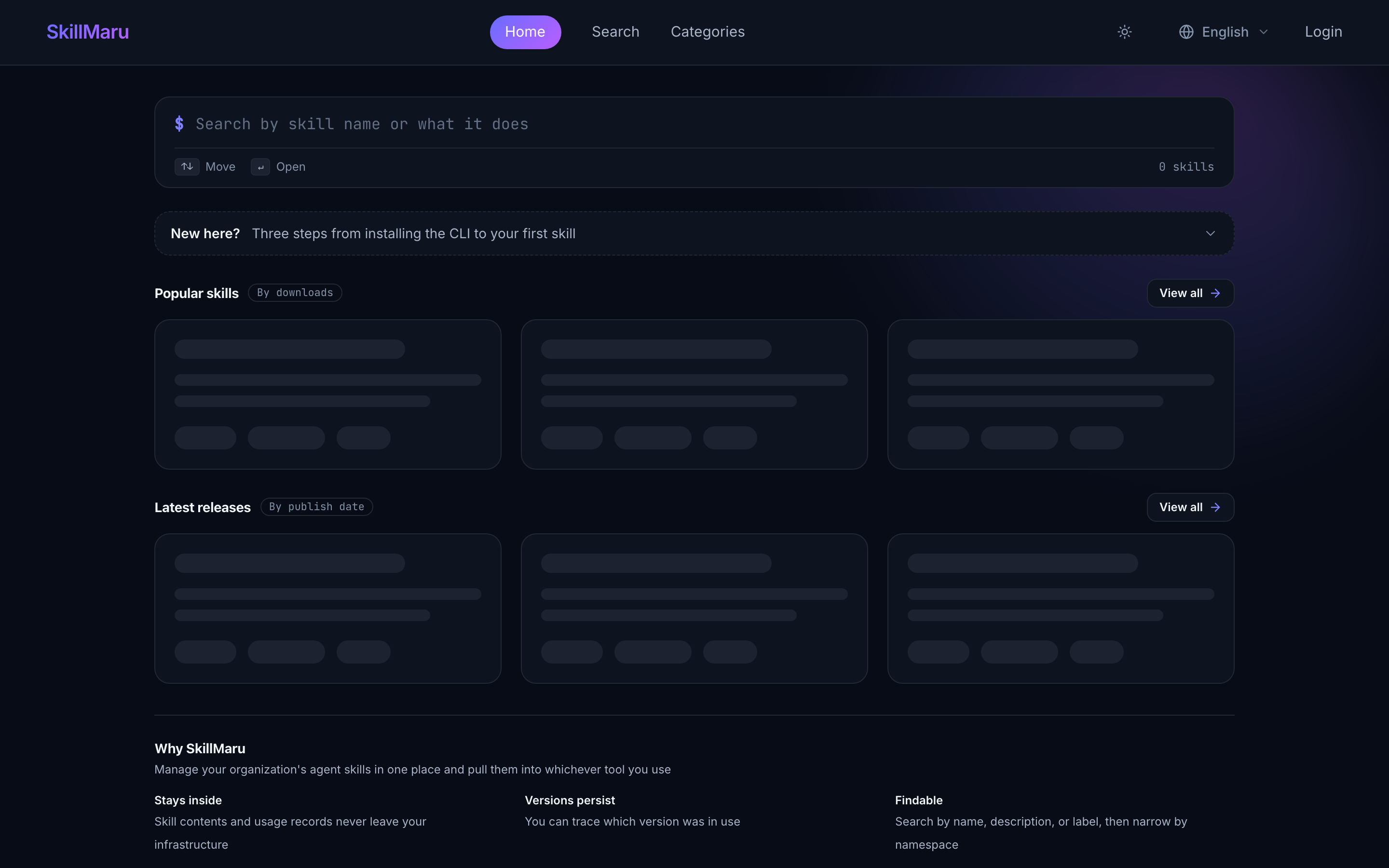
Home: search box + popular skills (by downloads) + latest releases (by publication)
02. Finding the skill you want by search
On the search page you can find skills by keyword and narrow the results with conditions such as category·creator·sorting·source.
Even if you don't remember the exact name, search runs on descriptions so you can find it with words describing “what the skill does.”
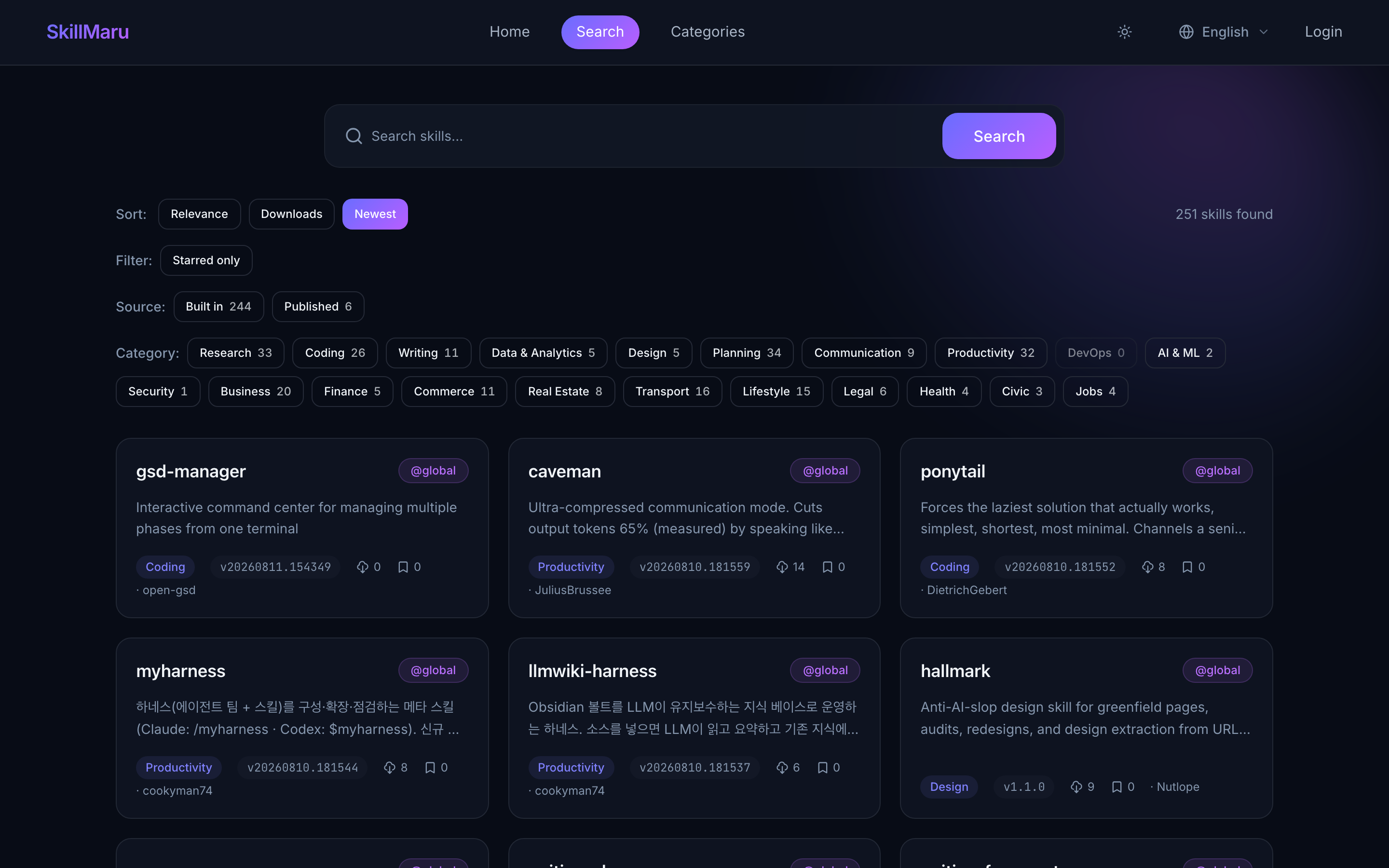
Search: keyword + category·creator·sort filters
03. Exploring by category
If you haven't decided what to look for yet, start by browsing the categories. Skills are grouped by purpose such as productivity, coding, design, and lifestyle, so you can quickly skim the field you are interested in.
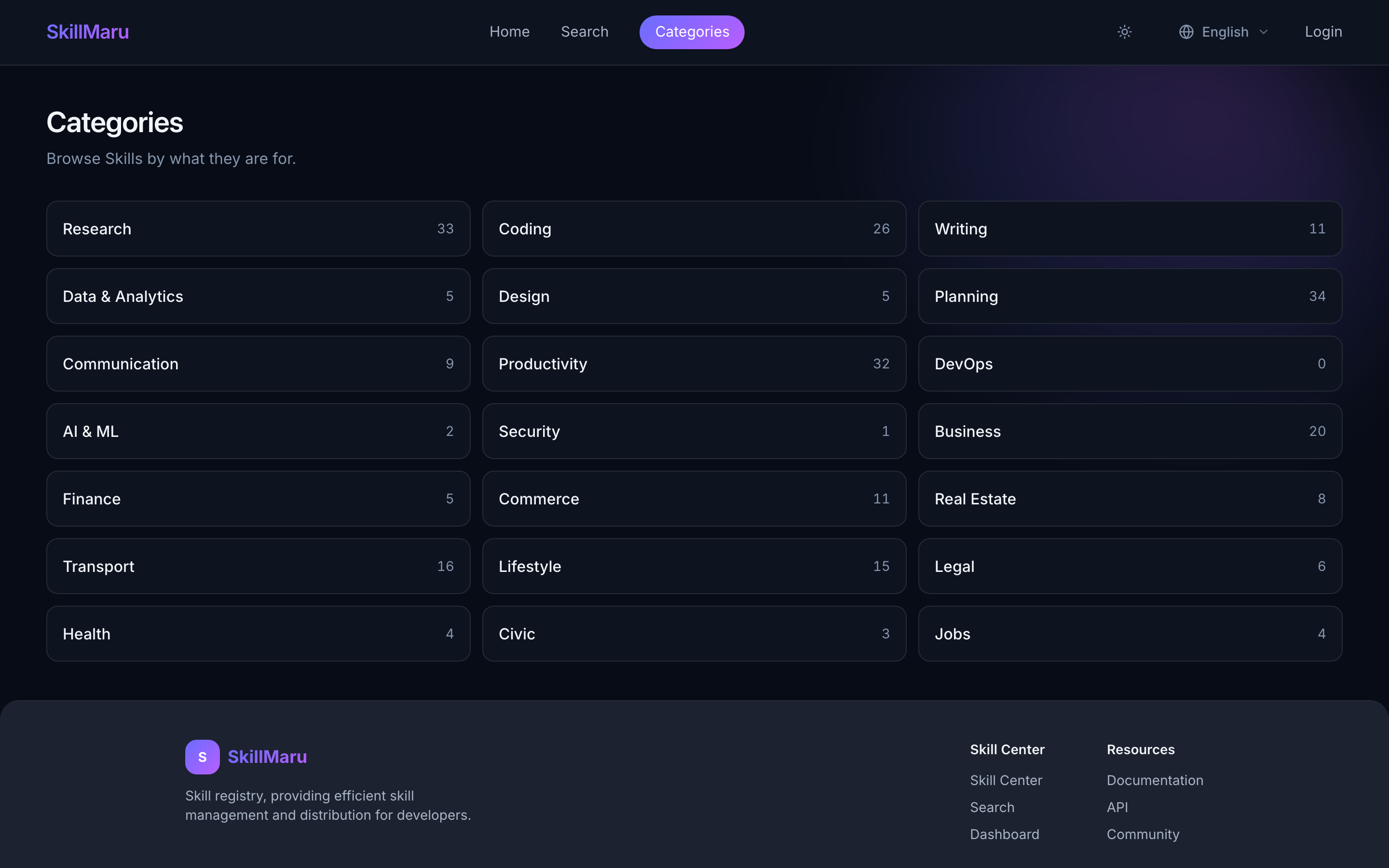
Categories: collections of skills grouped by purpose
04. Checking skill details
Tapping a skill card opens the detail page. There you can check the README document, version history, installation method, the creator, and the source repository.
Before installing, take a good look at what this skill actually does and which version is the latest, then download it.
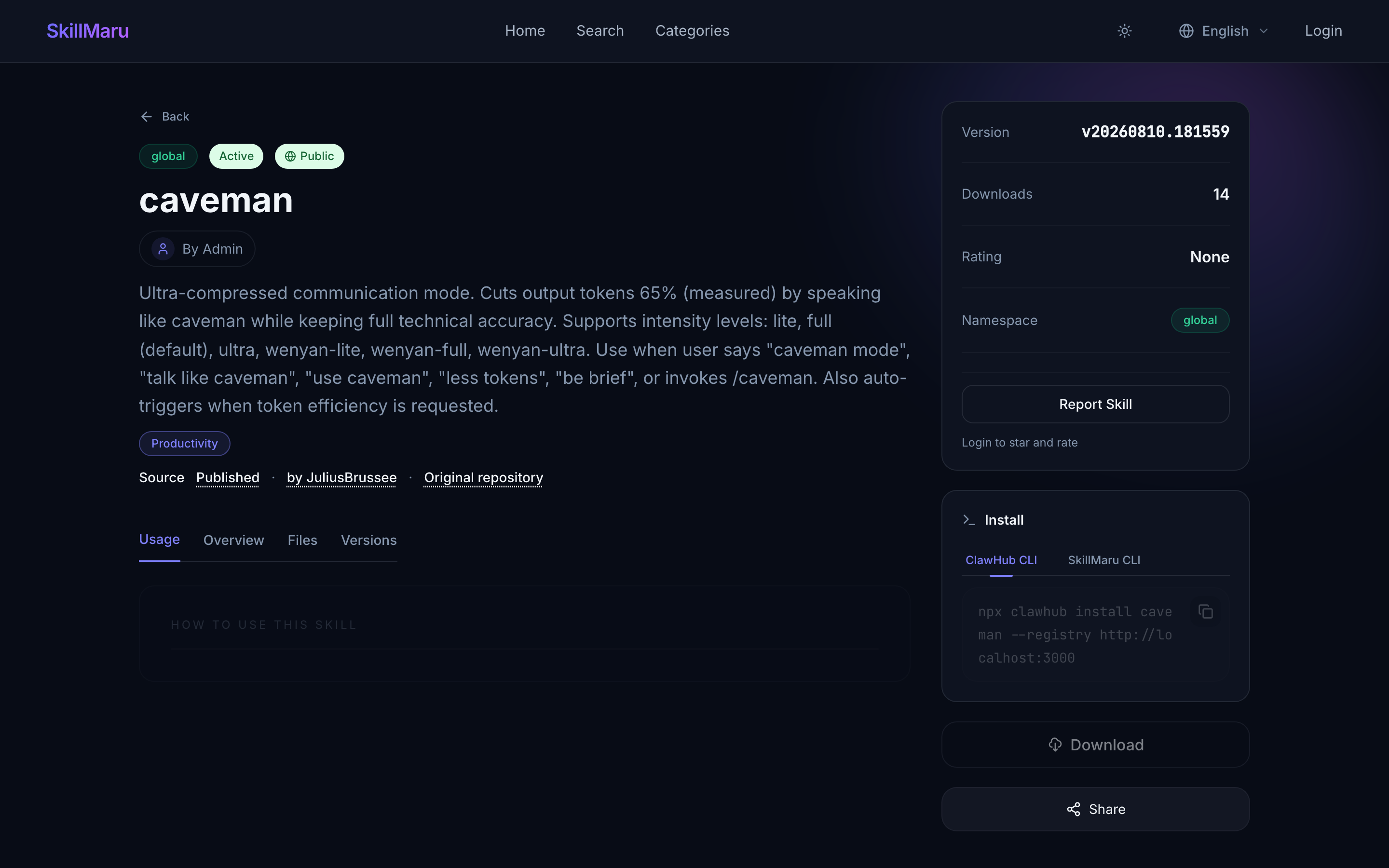
Skill detail: README · version history · installation method · source
05. Installing and using it through the CLI
SkillMaru CLIskillmaru) lets you search and install skills straight from the terminal and place them into agent folders such as Claude Code·Cursor·Codex. The registry address defaults to skillmaru.hell0world.net so you do not need to specify it separately.
Installation & login
# Install the CLI (npm)
npm install -g @cookyman/skillmaru

# Log in with the API token issued on the web after signing up
skillmaru login --token sk_xxx
skillmaru whoami          # check login
Search & install
# Search for skills
skillmaru search “weather”

# Install into an agent folder (namespace/slug)
skillmaru install global/weather --agent claude-code

# Pin the version · install at project scope
skillmaru install global/weather --version 1.2.0 --scope project
Manage & publish
# List / remove local installs
skillmaru list
skillmaru remove global/weather

# Publish a local skill package (verify with --dry-run first)
skillmaru publish ./my-skill --dry-run
skillmaru publish ./my-skill --visibility public
CLI authentication requires an API token issued on the web after signing up. SKILLHUB_TOKEN also authenticates as an environment variable, so it can be connected to CI.
Adding --json to any command produces machine-readable output you can use for scripts·automation.
Installation records are kept locally on each device (there is no automatic sync between devices). On another device, run install again. What is kept across devices is the favorites you marked on the web.
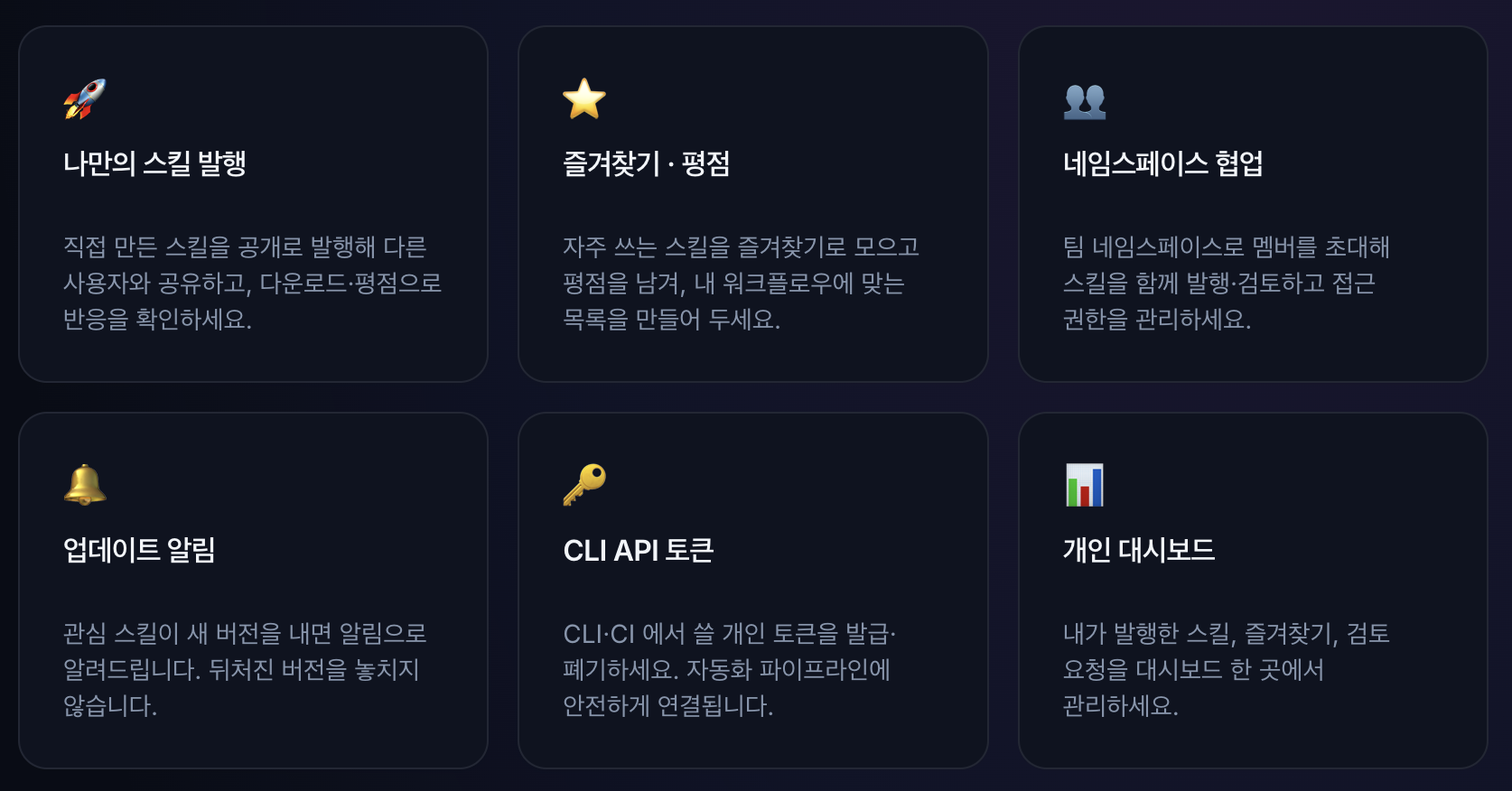
Why sign up
Signing up opens up things like these
Browsing is possible without logging in, but a single free sign-up turns SkillMaru from a place you “use” into a place you “build and manage.”
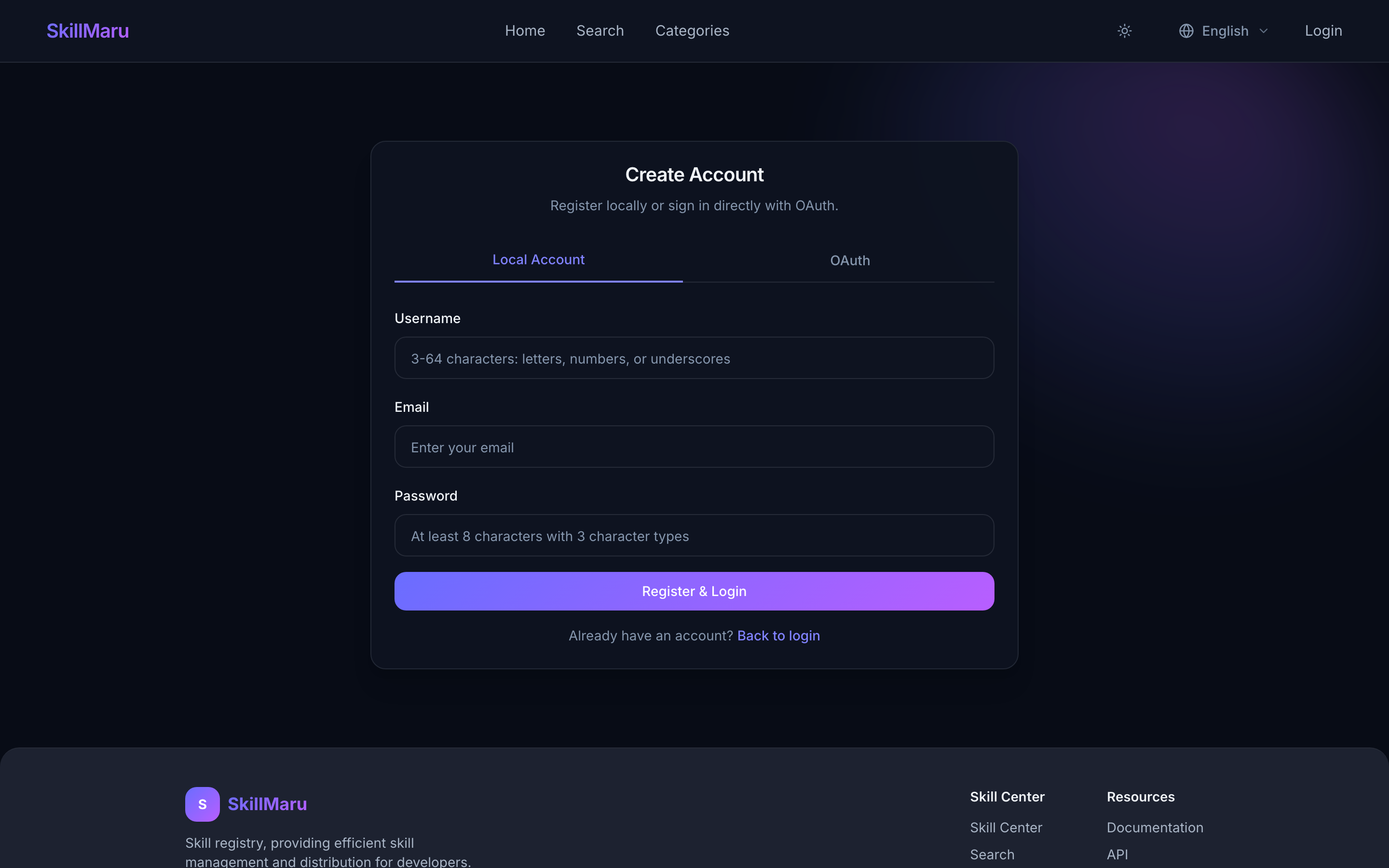
With just an email and a password you can get started within a minute.
▶ Original source:https://skillmaru.hell0world.net/manual

