
Since this is a translation of an overseas article, there may be some mistranslations.
https://hothardware.com/news/lg-tvs-and-monitors-spark-user-outrage-over-bloatware-and-tracking
LG TVs and Monitors Spark User Outrage Over Bloatware and Tracking
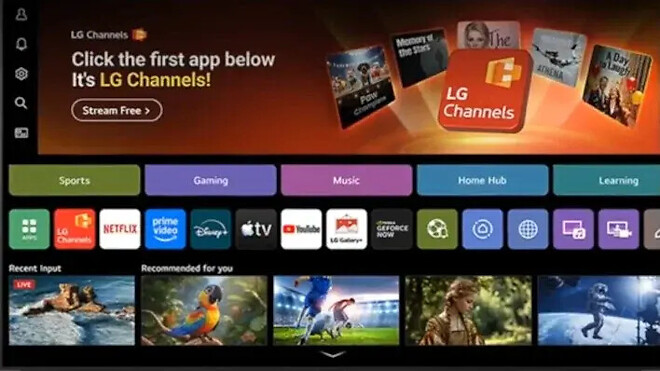
Some of the latest LG monitors and smart TVs are raising serious privacy concerns among users. In fact, LG's terms of service state that unless the microphone feature is disabled, anyone near an LG smart TV can be recorded, and the TV owner is responsible for obtaining consent from third parties near the TV in accordance with relevant communications secrecy laws, wiretapping prevention laws, and privacy protection laws.
To put it simply, LG's terms of service imply that you need to get consent for recording when inviting guests into your home.
Unfortunately, this is just the latest example of ongoing privacy issues with smart TVs today. We have previously discussed how TVs can spy on you and how to disable those features. In that regard, not much has changed.
In fact, one reason why smart TVs are becoming cheaper while the prices of almost all other appliances are rising is because they can collect and sell user data to offset some of the costs. While disabling smart TV features can offer some protection for users, it may also significantly reduce functionality to the point where you can no longer use the TV as a smart TV.
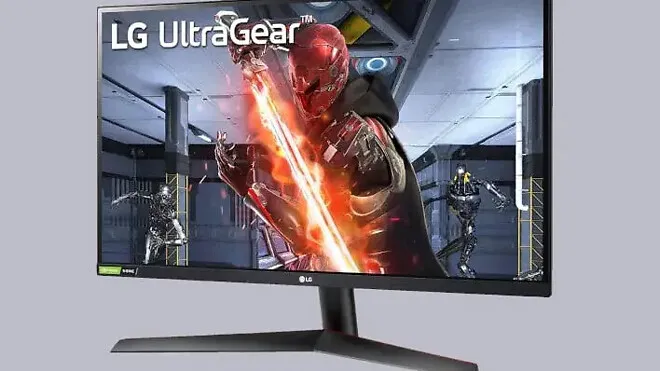
While the excessive invasiveness of LG smart TV features is common among smart TVs, LG's latest UltraGear computer monitors are now also infringing on users' privacy and security rights.
On some Windows systems, connecting a new LG monitor prompts Windows Update to download drivers and an LG monitor app installer. Subsequently, other LG applications or even McAfee antivirus software pop-up ads are displayed. While this is not good news, fortunately, the LG UltraGear 27GL850-B model I use does not seem to be affected.
Users have flocked to Reddit to express their dissatisfaction with the automatic installation of the LG monitor app. As Heise pointed out in its report, the LG monitor app installs automatically with "all system resource" permissions. While there doesn't seem to be any illegal activity going on, LG's actions with WebOS on smart TVs have sparked privacy concerns among monitor owners.
Reddit user u/Mags_Smash from the r/PCMasterRace subreddit shared their experience with McAfee pop-ups and revealed that Windows users need to change group policy settings to prevent the LG monitor app installer from automatically installing.
Specifically, users should open gpedic.msc, navigate to Computer Configuration > Administrative Templates > System > Device Installation, and select "Enable" for the setting "Prevent automatic installation of applications with metadata." Another solution is to disable the Microsoft Store, but some users may want to keep it enabled for other applications.
▶ Source: https://hothardware.com/news/lg-tvs-and-monitors-spark-user-outrage-over-bloatware-and-tracking

